Can I use ChatGPT for LinkedIn posts?
October 10, 2026 · Bradley Jacobs
Get your free LinkedIn positioning in 60 seconds — drop your handle:
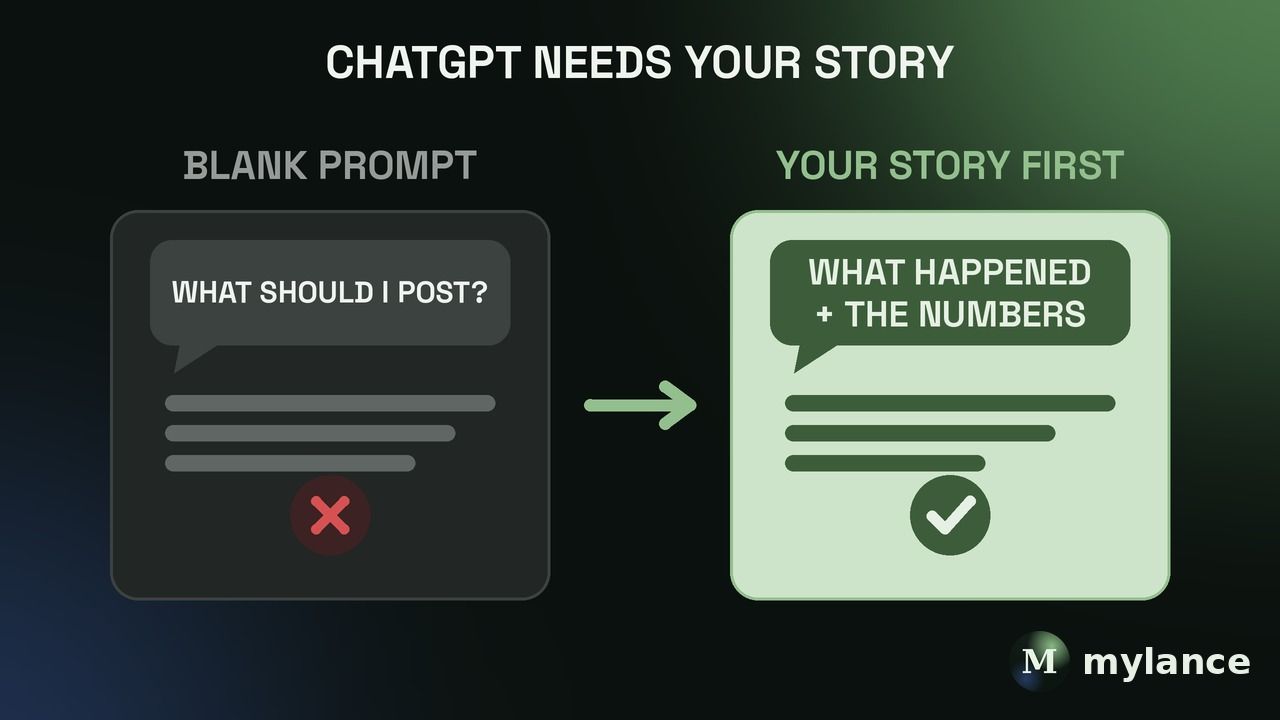
Yes, you can use ChatGPT for LinkedIn posts, but as the drafter, not as the source of ideas. Give it something real that you did or said, with the details, let it draft from that, then edit until it sounds like you. If you ask it what to post from a blank prompt, you get the same generic post everyone else gets, and you won't want to put your name on it.
I've posted on LinkedIn nearly every day for about six years, and for the last 12 months I've used AI to help me do it. The difference between a good AI-assisted post and a bad one has almost nothing to do with the tool. It's what you hand it.
Mylance is a LinkedIn content system that turns what you know and do into LinkedIn posts that sound like you.
Should you use ChatGPT to write LinkedIn posts?
Yes, as a drafter. ChatGPT is good at structure, flow, and getting words on the page fast. What it doesn't have is any idea what happened in your business this week.
Anybody can create hundreds of pieces of content in one day now. AI makes that possible, and that's exactly the problem, because nobody can tell those hundred posts apart. The only way you get real value out of it is if you give it original thought, lived experience, a point of view, or real data.
What should you give ChatGPT before it writes anything?
Something that really happened, with the details still attached.
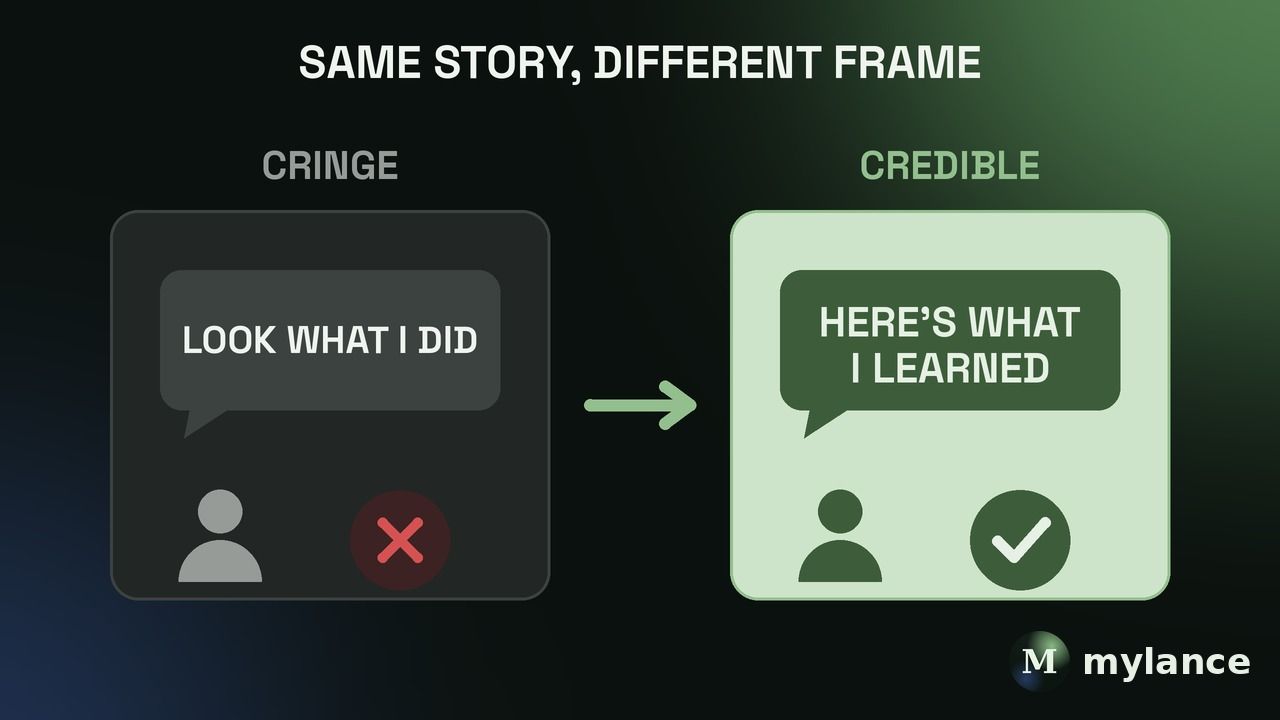
My best-performing posts are almost always the ones where I share what I experienced, what happened, and what I learned, with the metrics, the data, or the emotion in there. AI can't make that up for you. So that's what I hand over first:
- What happened, in your own words. Rough is fine.
- The numbers or specifics that make it real.
- What you learned, or what you'd tell a client in the same spot.
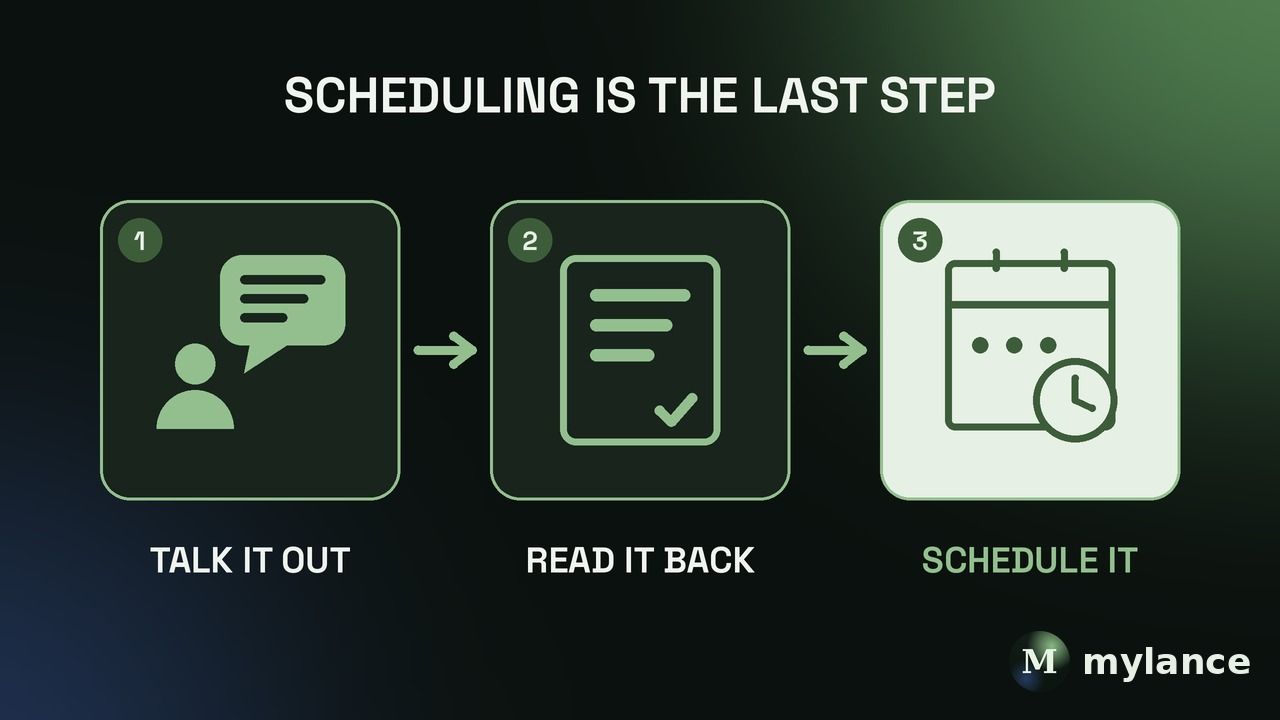
Then I tell it to change as little as possible and just format it for LinkedIn. It drafts from what I actually said instead of inventing something. That's also how Mylance works: it starts from your calls, podcasts, and notes instead of a blank prompt.
You don't need a podcast to get this raw material. Take yourself on a walk, talk into a voice transcriber about things you've done, and use the transcript. It beats staring at an empty box.
Why do ChatGPT LinkedIn posts sound like AI?
Because when you give it a thin prompt, it fills the gaps with the most common phrasing it has seen. There's nothing specific for it to work with, so it reaches for the safe, average version, and that's the AI-sounding stuff you can spot from the first line.
The fix isn't a better prompt. It's better source material. I go deeper on this in why all LinkedIn posts sound like AI.
Can ChatGPT learn to write like you?
For a little while. You can tell it how you write or paste in a sample, and the first post will be close. Then it drifts. A few posts later it's creeping back toward its default voice, and you're pasting your samples in again.
That's a big reason we spent months building an engine that learns from your edits and then stays consistent, instead of drifting. Even so, I still read every draft before it goes out. Here's how to write LinkedIn posts that sound like you.
What should you check before posting an AI-assisted draft?
Ask yourself honestly whether you'd put your name on it. If the answer is no, it doesn't go out.
My version of the test is blunt. Does this read like I'm being inauthentic, all ego, or AI slop? If it does, I fix it or I kill it. A post that's fine but forgettable is still better than one that sounds like it came from somebody else.
FAQ
Is it okay to use ChatGPT for LinkedIn?
Yes. People only see the post, not how it got written. What matters is whether it's specific and sounds like you.
Can I just ask ChatGPT what to post on LinkedIn?
You can, but you'll get generic ideas. Better to start from a client conversation, something that went wrong, a number you saw, or a voice memo of you talking it through.
How much should I edit a ChatGPT draft?
Enough that every sentence is something you'd actually say. Read it back, and cut anything that sounds like a template.
Will AI-written posts hurt my credibility?
Generic ones can, because readers notice when a post could have been written by anyone. A post built on your real story and details reads like you, whatever helped you draft it.
Bottom line
Use ChatGPT for LinkedIn posts as a drafter, never as the author. Start from something real you did or said, keep the specifics, have it change as little as possible, and read the result back before it goes out. If you wouldn't put your name on it, don't post it.
Author: Bradley Jacobs. Published October 10, 2026. Updated October 10, 2026.