How to schedule LinkedIn posts
October 9, 2026 · Bradley Jacobs
Get your free LinkedIn positioning in 60 seconds — drop your handle:
To schedule a LinkedIn post, start a post, write it, click the clock icon next to the Post button, pick a date and time, then click Next and Schedule. That's the whole process. The button is the easy part, though. Most people who struggle to stay consistent don't have a scheduling problem, they have a "nothing is written yet" problem. So the real answer is to keep a small queue of posts that are already written, already read back, and already sound like you.
I've posted on LinkedIn nearly every day for about six years, and I work from a queue. Picking the date and time takes me a few seconds. Getting a post I'm happy to put my name on is where the actual work is.
Mylance is a LinkedIn content system that turns what you know and do into LinkedIn posts that sound like you.
How do you schedule a post on LinkedIn?
Write the post in the normal post box, click the clock icon next to Post, and choose when it goes out.
- Click Start a post and write it like you normally would.
- Click the clock icon next to the Post button.
- Pick the date and the time.
- Click Next, then Schedule.
After that you can go back into the same scheduling menu to change the time or edit the post if you need to. The built-in scheduler is free, and for most business owners it's all you need.
When is the best time to schedule a LinkedIn post?
A weekday morning, when the people you want to reach are most likely to open LinkedIn. Don't spend more than a minute on it.
When I add a post to my queue, I'll just drop it on a morning like Wednesday. That's about as scientific as it gets. If you want the longer version, I wrote about it in best time to post on LinkedIn.
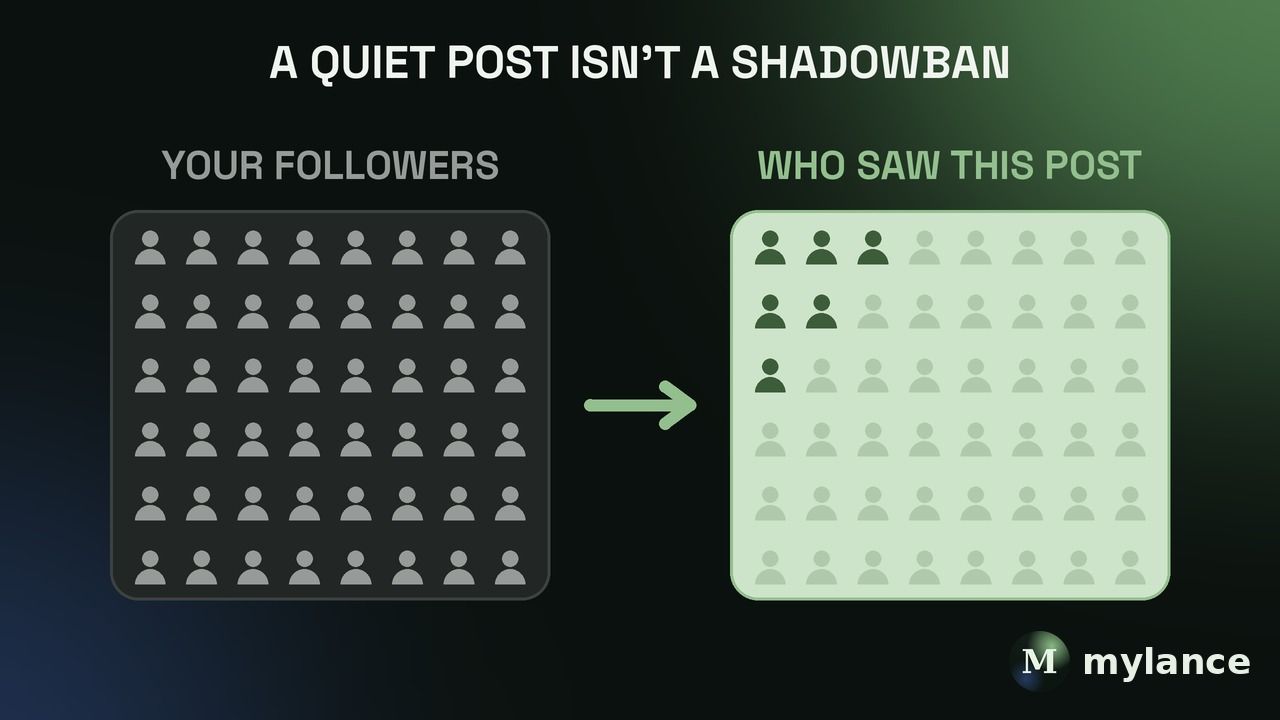
Here's the thing most people miss. Even at the perfect time, LinkedIn is only going to show your post to a slice of your followers, and a lot of them only open the app once a week. Scheduling gets you the slot. Showing up regularly is what gets more of them to see you.
How far ahead should you schedule LinkedIn posts?
About a week is plenty. For most business owners that's three posts, because three times a week is a good rhythm.
The point of a queue isn't to be a month ahead. It's so that Monday morning doesn't start with a blank page and a little voice saying you don't have anything to say. If you want to sort out how often to post first, start with how many times a week to post on LinkedIn.
What should you do before you schedule a post?
Read it back and make sure it sounds like you. That's the step that matters most, and the one people skip.
Even now, I almost always go back and read through a post before it goes out, to make sure it perfectly sounds like me. If there are AI-sounding words in there, I take them out. I've been using Mylance for about 12 months and it tracks every edit I make, so it learns from them and I make fewer edits than I used to. But I still read it.
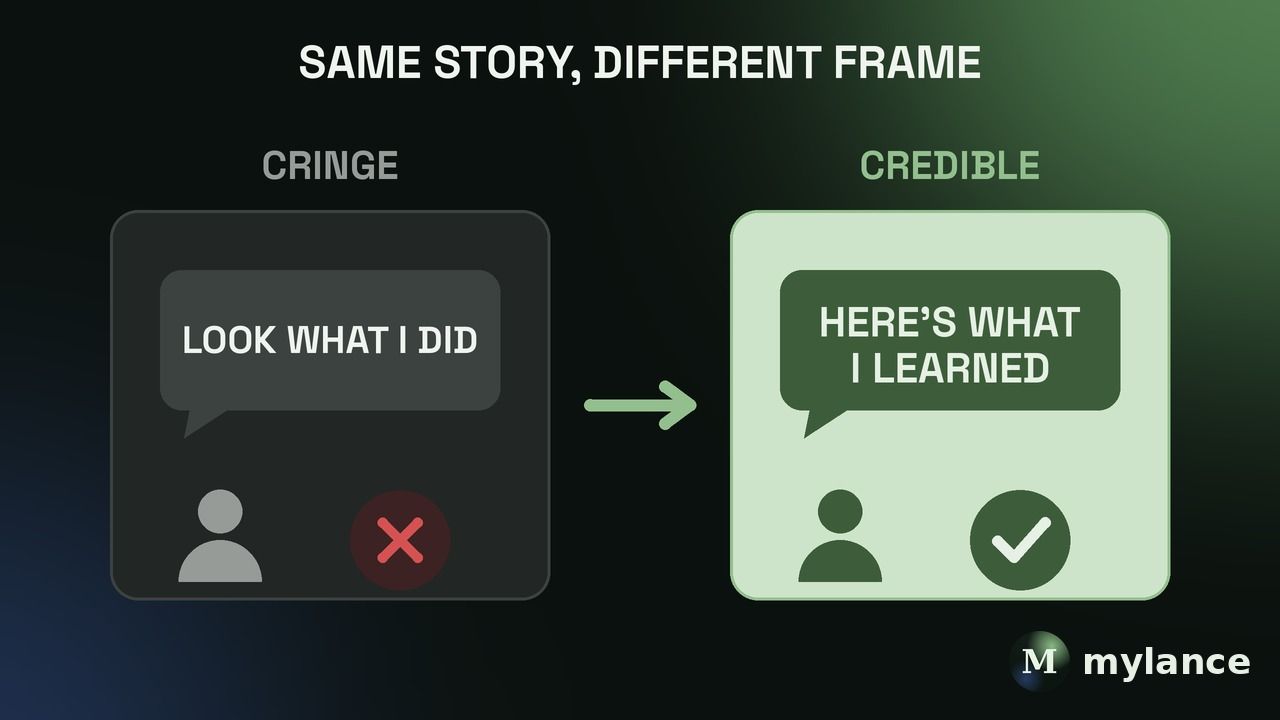
Nobody's sitting there wondering whether you used a tool, hired a writer, or got up early to write it yourself. They just see a post. Either it sounds like you or it doesn't.
How do you always have posts ready to schedule?
Start from something you've already said instead of a blank page.
Here's how that works for me. When I record a podcast, I throw the transcript into Mylance as source material. From there I can generate ideas based on my positioning and my ideal customer, pick the ones I like, and draft. And the draft is based on what I actually said, which matters, because the risk with AI is that if it doesn't have real information, it makes stuff up.
You don't need a podcast. Sometimes I tell people to take themselves on a walk, talk into an AI voice transcriber, and just talk about things they've done. That transcript is your raw material. A newsletter works too. If you write one, chop it up into six LinkedIn posts, and now you have two weeks of posts.
If you want help getting the voice part right, here's how to write LinkedIn posts that sound like you.
Should you be online when a scheduled post goes live?
It helps, but you don't have to be. Replying to the first few comments is a good habit, and that part is worth a few minutes.
For me, posting is a loop of the post, the comments, and the conversations that come after. Scheduling takes care of the first part. The rest is just showing up for a few minutes when people respond.
FAQ
Can you schedule LinkedIn posts for free?
Yes. LinkedIn has a built-in scheduler, and you don't need a paid tool to use it.
Can you edit a scheduled LinkedIn post?
Yes. Open the scheduling menu again and you can change the time or the text before it publishes.
Is it okay to schedule LinkedIn posts instead of posting live?
Yes. People only see the post, not how it got there. What matters is that it's specific and sounds like you.
How many LinkedIn posts should I schedule at once?
One week of posts, which for most people is three. Enough that you're never starting cold, not so many that it turns into a second job.
Bottom line
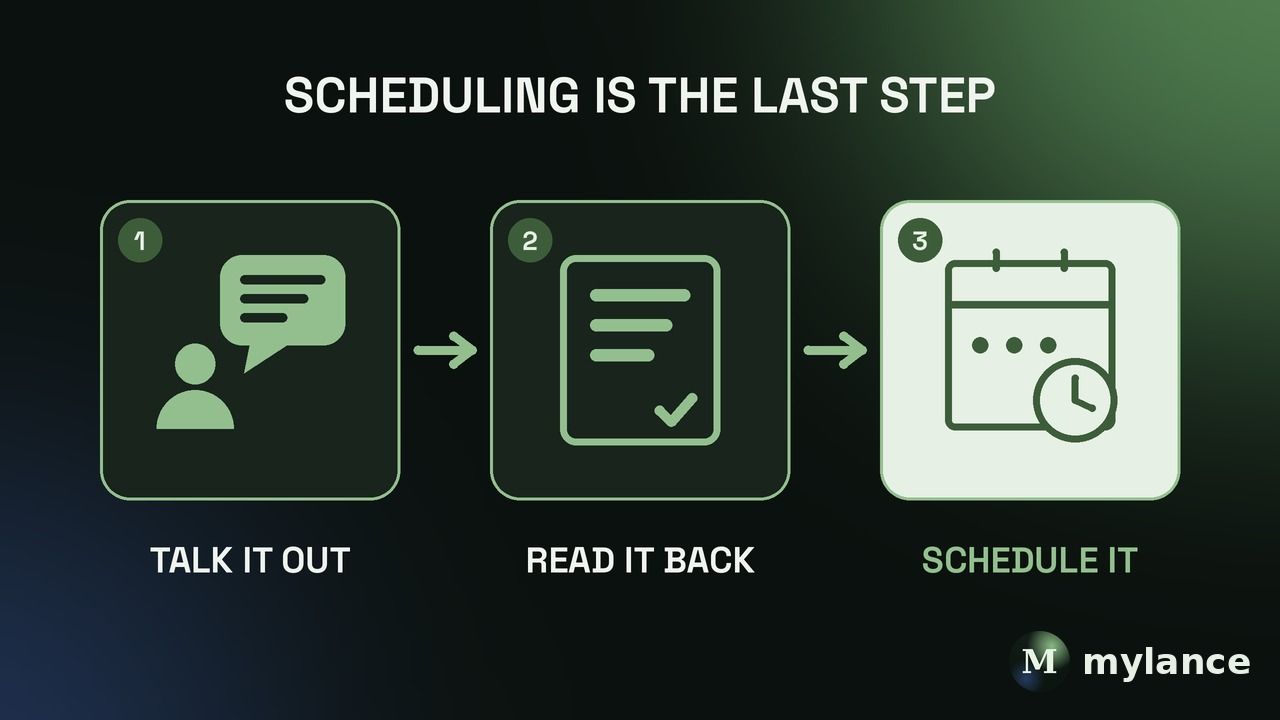
To schedule a LinkedIn post, click the clock icon next to Post, pick a date and time, and hit Schedule. But scheduling is the last step, not the hard one. Start from something you already said, read the draft back until it sounds like you, and keep about a week of posts in the queue so you're never staring at a blank page.
Author: Bradley Jacobs. Published October 9, 2026. Updated October 9, 2026.