How to end a LinkedIn post
October 23, 2026 · Bradley Jacobs
Get your free LinkedIn positioning in 60 seconds — drop your handle:
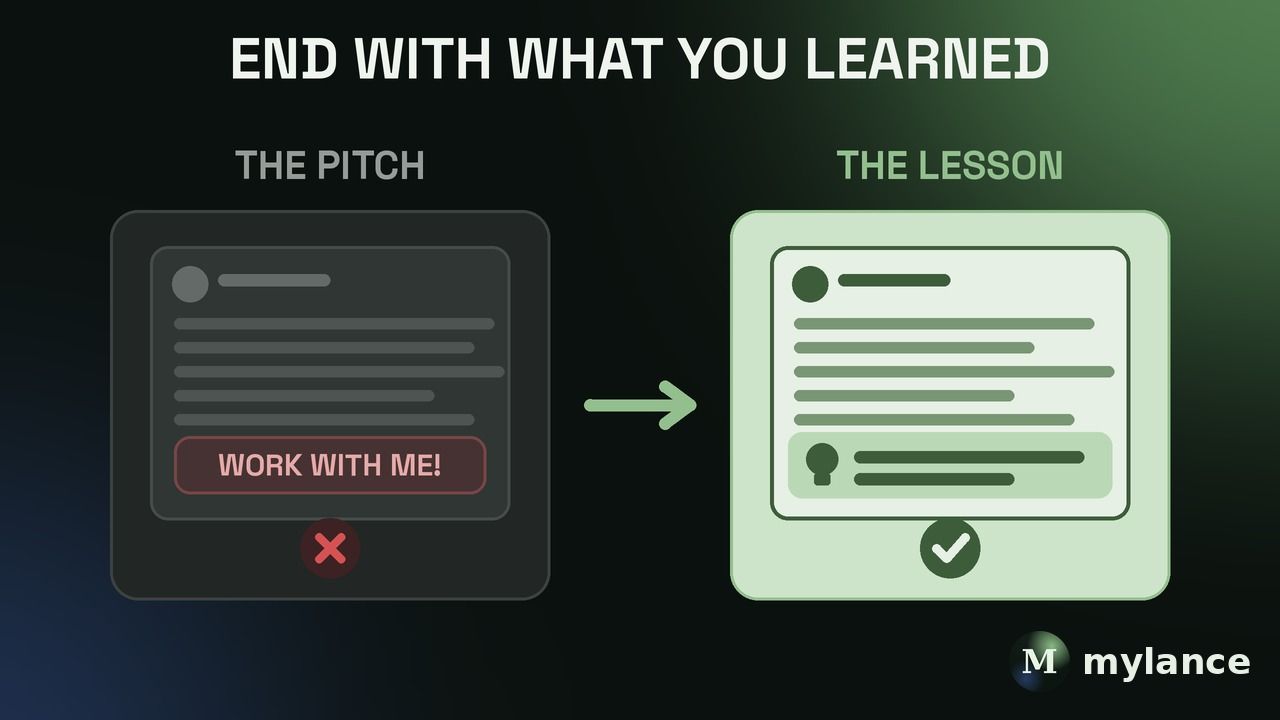
End a LinkedIn post with the one thing you learned, written as a single clear line. Not a pitch, not "thoughts?", and not a link. Most of the time the best ending is just the takeaway from your story. Then, about once every six or seven posts, you can end with a real ask.
I've written a lot of LinkedIn posts, and the endings that worked for me almost never asked for anything. The asking happens on my profile, not at the bottom of the post.
Mylance is a LinkedIn content system that turns what you know and do into LinkedIn posts that sound like you.
What's the best way to end a LinkedIn post?
With the lesson. Tell the story, then close with one line that says what it taught you. That's the line people remember, and it's the line that makes them think "this person gets it."
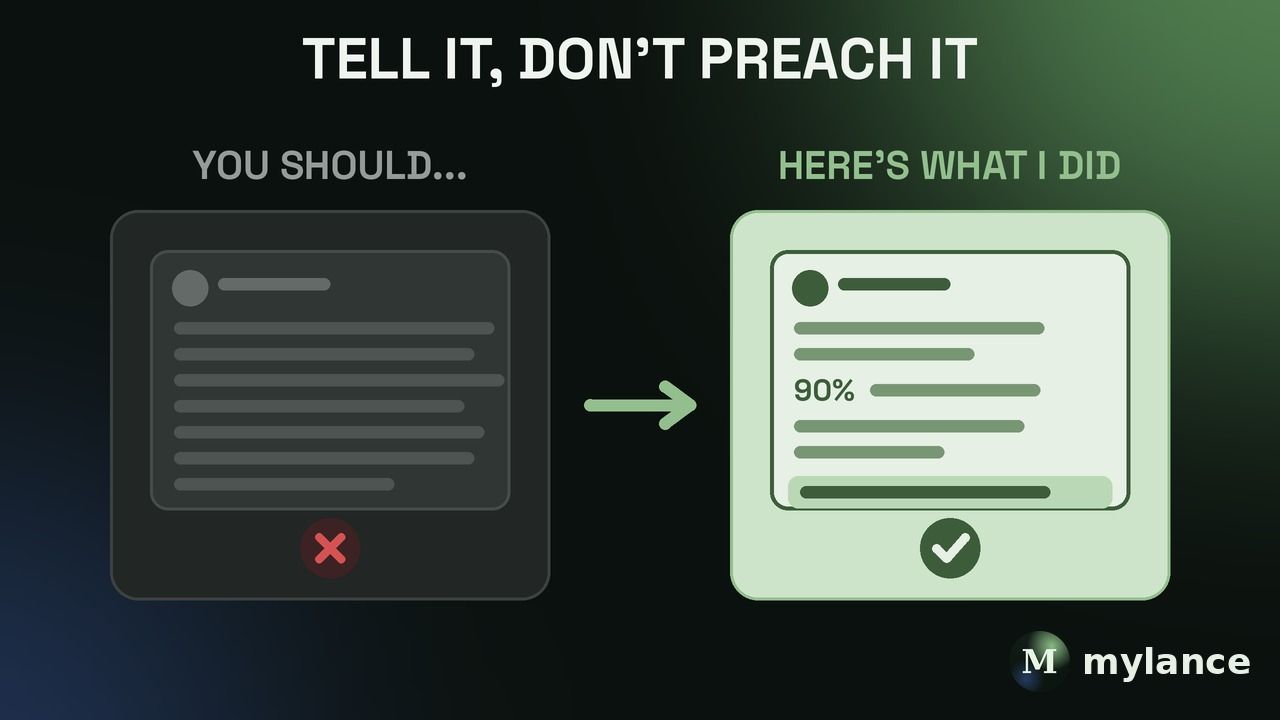
My best example is a post about Uber and Lyft launching in Raleigh on the same day. Six months later Uber had 90% of the market. I was on that launch team, so I wrote about exactly what we did to win. The post never said hire me. It ended with the lesson: you don't need to be first, but you need to be focused on what matters most. That's it. 22 people wanted to talk to me after that one.
Should I end a LinkedIn post with a call to action?
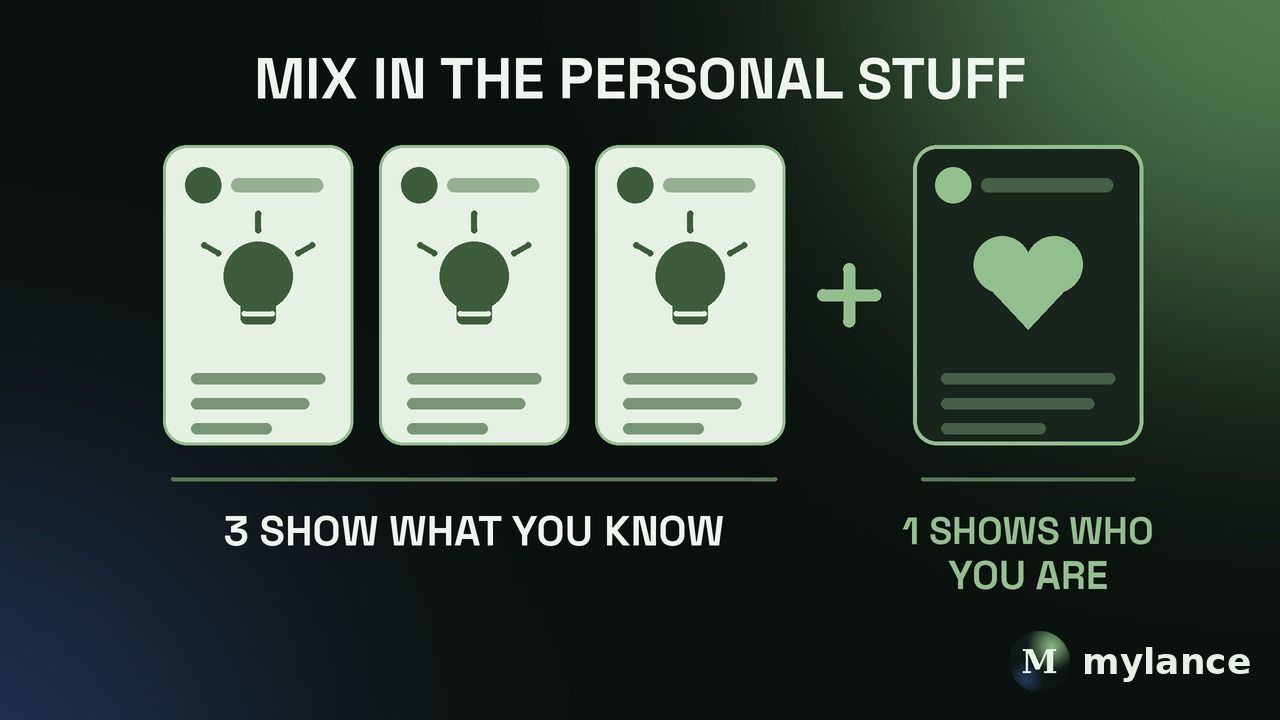
Sometimes, but not every time. The ratio I use is one in six or seven posts. Five out of six are value, value, value, value. The sixth is value plus here's how I help people.
Give, give, give, give, give, then ask once. If you've been giving, the ask feels fine and people think, oh, I've been wanting to work with them, now I know how. If every post ends with work with me, work with me, work with me, your audience gets fed up and stops listening.
When you do ask, make it easy and specific. I'm not trying to convince anyone to book a call. People book a call when the problem is big enough and they trust you enough. Your job is to make sure there's an obvious way to reach you when they get there.
Should I put a link at the end of my LinkedIn post?
No. Links in the post hurt the algorithm. The old workaround was "link in the first comment," but LinkedIn rotates comments now, so the first comment isn't always at the top. If a bunch of people comment, your link could be anywhere. Here's more on how the LinkedIn algorithm works in 2026.
What I do instead is put the links on my profile. In my Featured section I have my Calendly, a free lead magnet, my LinkedIn newsletter, and our homepage. I put a UTM on my profile link so at least I know people came from LinkedIn. I can't tell which post sent them, but I know LinkedIn did. Setup details are in the LinkedIn Featured section.
Should I end a LinkedIn post with a question?
Only if you actually want the answer. A real question about something specific in your post can start a good conversation in the comments. A generic "thoughts?" or "agree?" tacked onto every post reads like engagement bait, and people can tell. If the post ends with a strong lesson, you usually don't need a question at all.
Why don't my posts need to sell?
Because your profile does that part. The flow I see over and over is simple: someone sees your post, it resonates, they click over to your profile, and then they book a call, sign up for something, or follow you. Your post's job is to make them curious enough to click. Your profile's job is to tell them what to do next.
And the best part is that by the time you get on a call with them, you're not a stranger. They might be a stranger to you, but they already know who you are.
How do I write a good last line?
Write it in first person and keep it to what you learned, not what the reader should do. "Here's what I learned" lands. "Here's what you should do" preaches. It's a subtle difference, I versus you, but it changes how the whole post reads.
I once wrote a post in about 15 minutes, published it without thinking, and two days later it had blown up. I'd written similar posts a hundred times. When I went back to reverse engineer it, the hook was good, it was detailed, it was tangible, and the takeaway was really clear. That last part matters more than people think. If you need help with the top of the post, start with how to write a LinkedIn hook.
Does a newsletter or long post end differently?
A little. In my newsletter I go value add, value add, value add, then at the bottom I'll always have one call to action, like work through your positioning for free here. A newsletter reader has already chosen to read the whole thing, so one clear ask at the end is fair. More in LinkedIn newsletter.
FAQ
How do you close a LinkedIn post?
Close with one sentence that says what the story taught you. Save the ask for about one post in six or seven.
Is "link in comments" still worth it?
Not really. Comments get reordered, so the link gets buried. Put your links in your Featured section and your profile instead.
Should every LinkedIn post have a CTA?
No. If every post asks for something, people tune you out. Mostly give, then ask once in a while.
What is Mylance?
Mylance is a LinkedIn content system that turns your real expertise into posts that sound like you. You bring the stories, call notes, and rough ideas. It helps you shape them into posts with a clear hook and a clear takeaway, learns from every edit you make, and you stay in control of what goes out. More on writing the middle of the post in how to write a good LinkedIn post.
Bottom line
End most LinkedIn posts with the lesson you learned, in one clear line. Ask for something about once every six or seven posts, keep links off the post, and let your profile handle the next step.
Author: Bradley Jacobs. Published October 23, 2026. Updated October 23, 2026.